UX Strategy · UI Design · Data Viz · 2022
Minwax Color Visulaizer
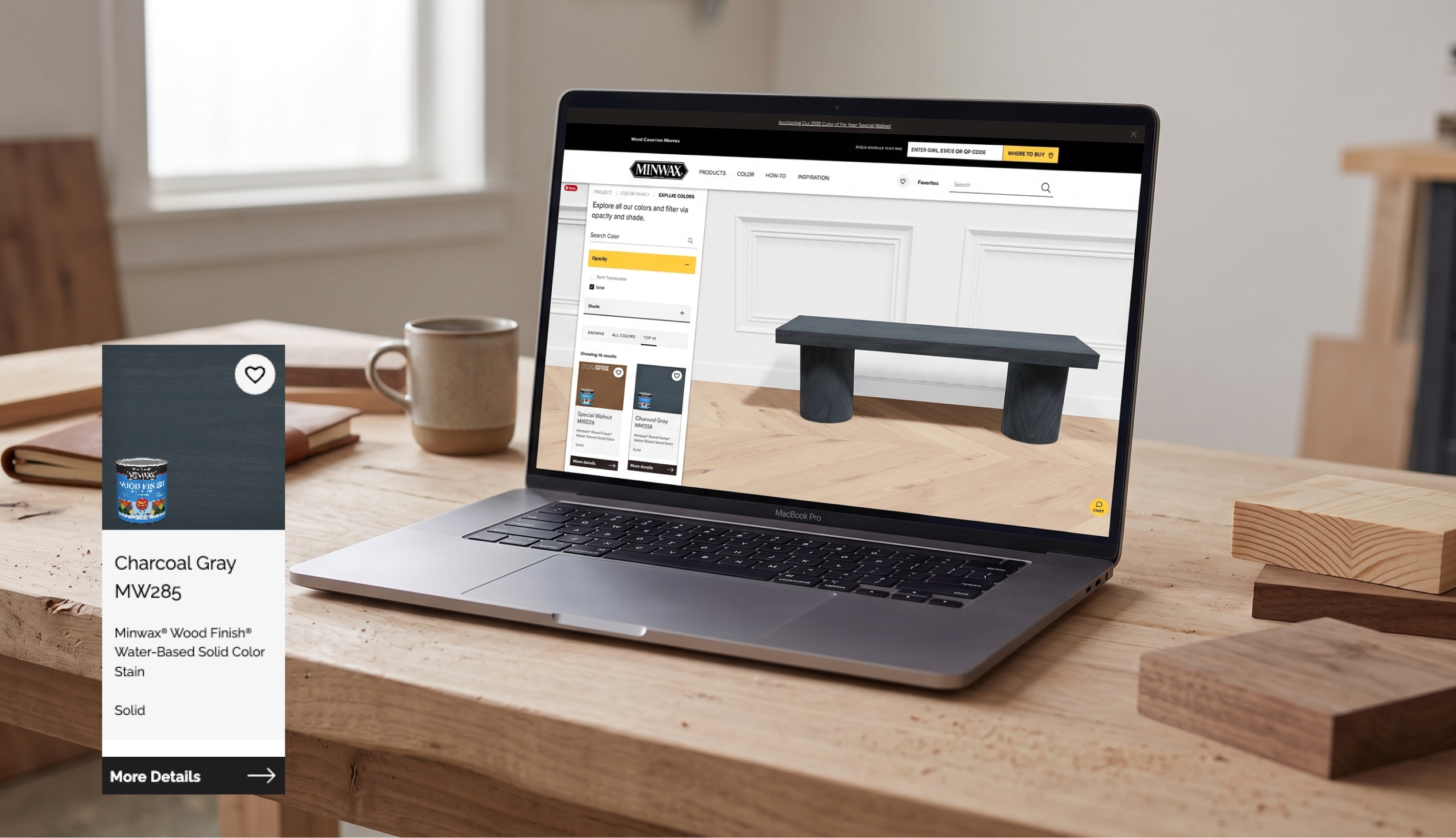
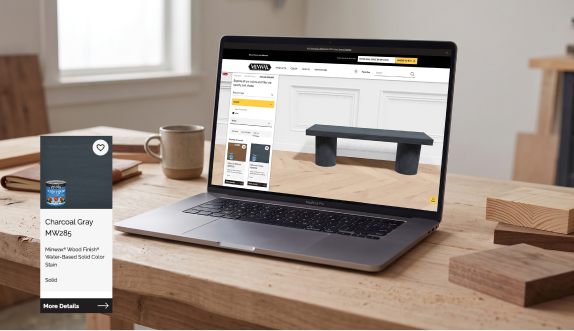
Choosing a stain can feel like a gamble. The final color depends on the wood species, the number of coats, and more, and a small chip rarely tells the whole story. We built the Minwax Visualizer so you can preview your color on your project before you buy, and move forward with confidence.
My Role:
Creative Concept Lead
Production Support
Experiential Concepting
Tools:
Figma
Adobe Creative Suite
Keynote
Jira
From Imagination to Colorful Visualization
SITUATIONDespite having access to countless physical swatches and stain samples, DIYers often struggled to confidently decide on a stain color for their projects. The physical samples alone simply weren't enough to help them visualize the final, large-scale result.
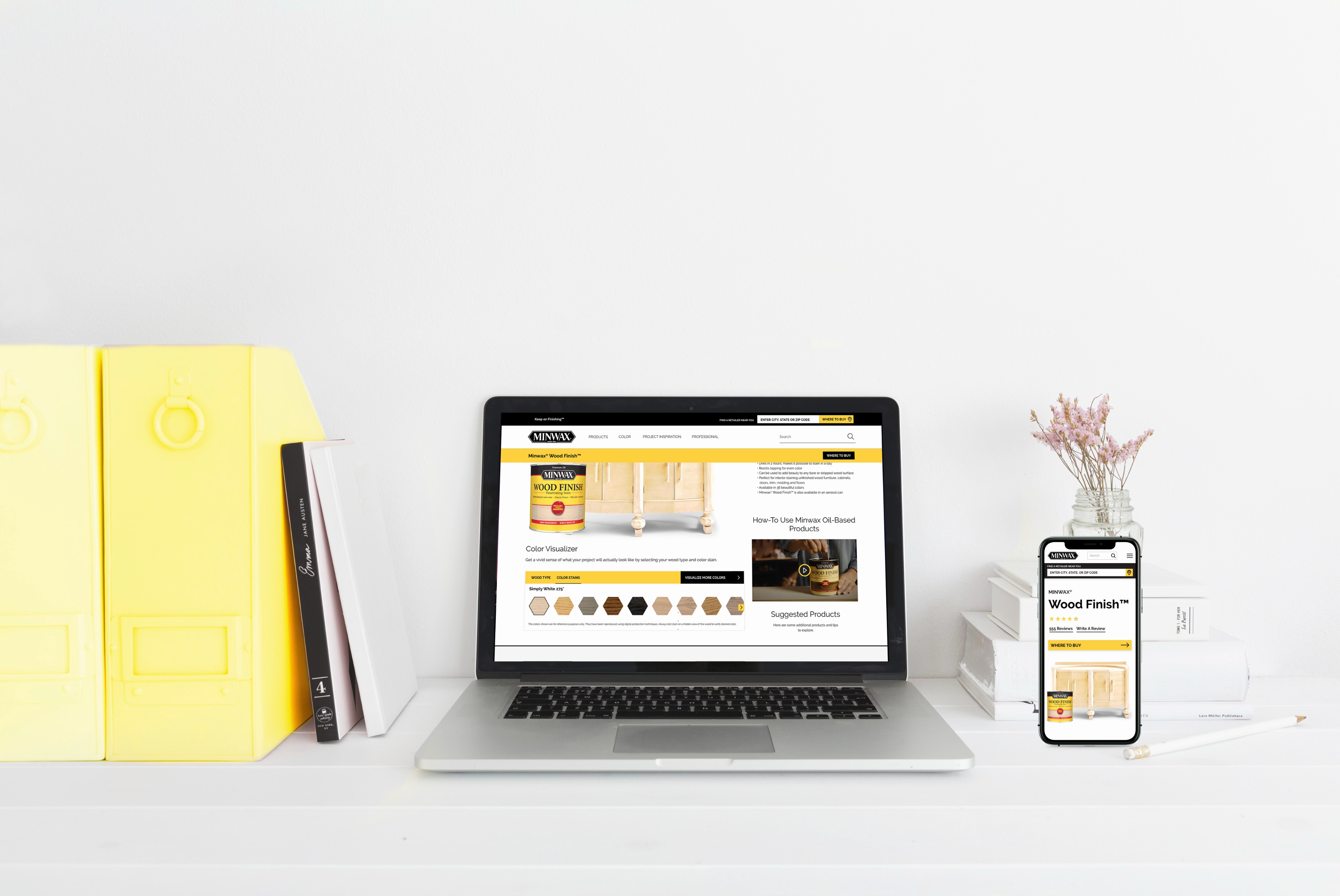

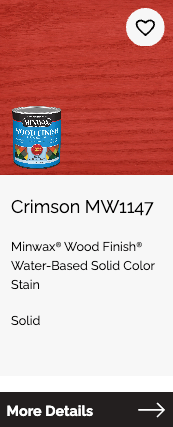
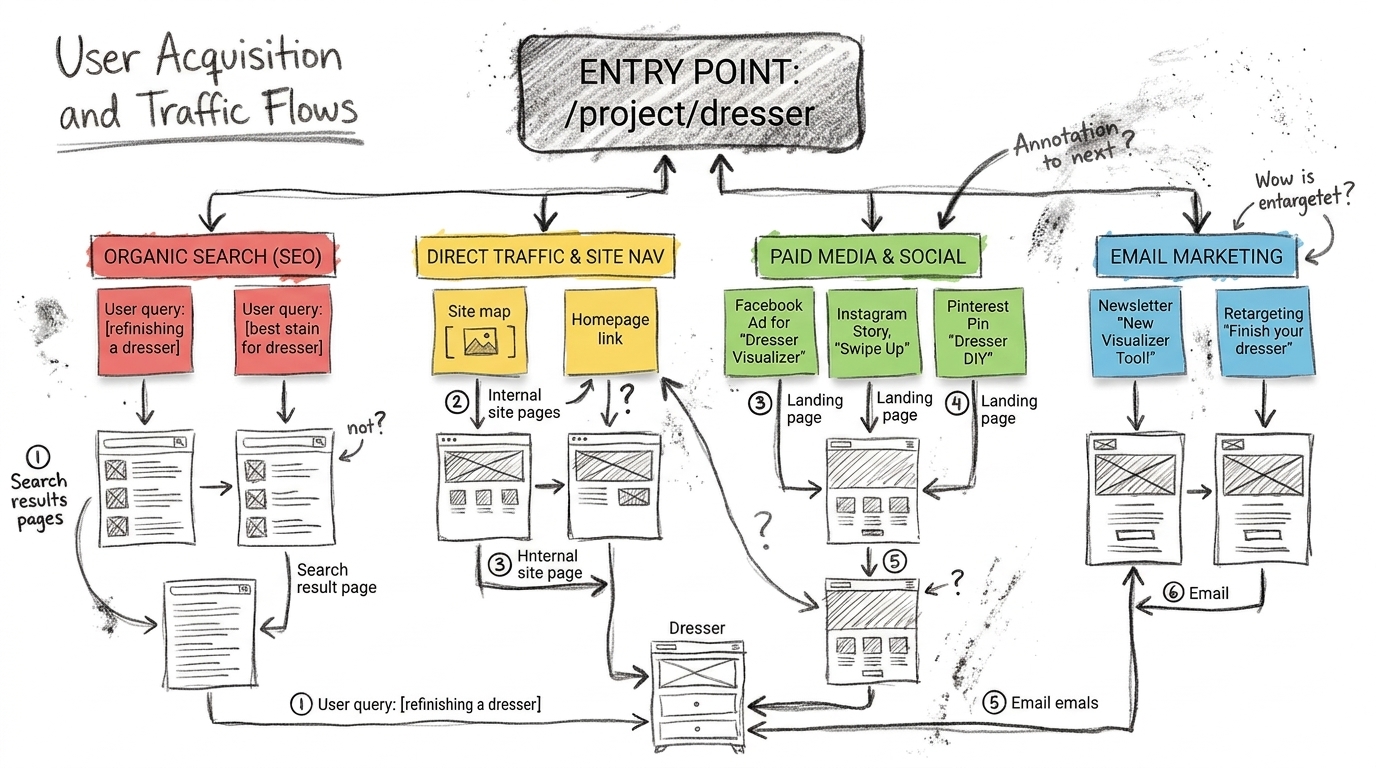
THE FIRST DRAFTBeginning at the Product page level, the key was to integrate this into the experience, and drive customers to visualize the stain.
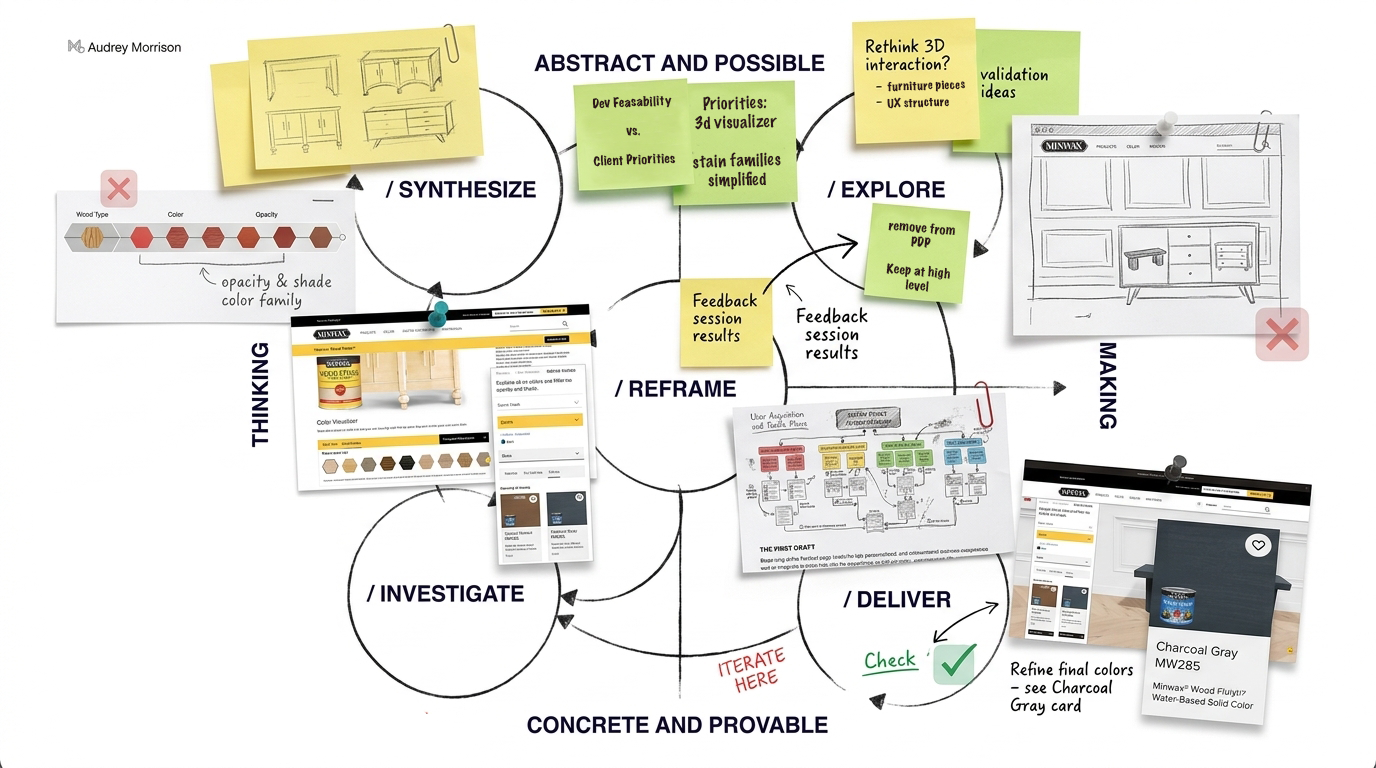
Refining the User Path StoryWe stepped away from the product page and made the visualizer its own starting point. Shoppers begin with their project, not a SKU, and discover their stain by seeing it.

ACTIONOur team created the Minwax Color Visualizer.
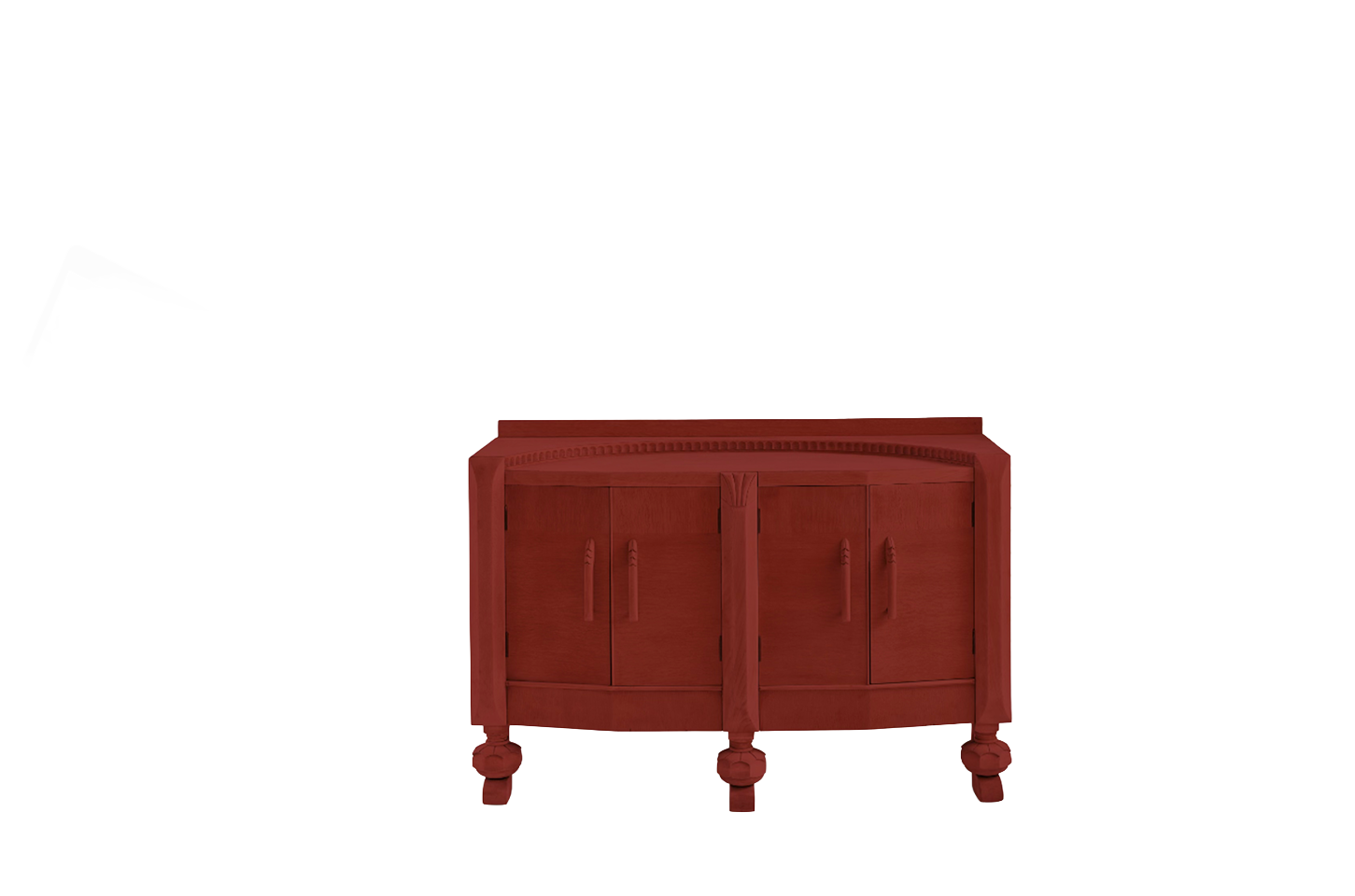
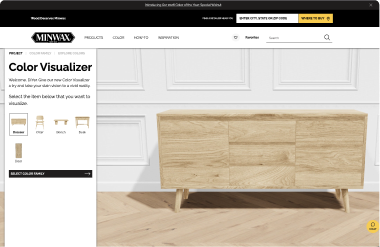
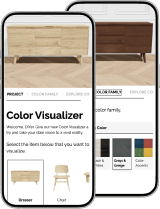
Start with your project. Tell the Minwax Color Visualizer what you’re working on, then browse the stains you love. Tap a color and watch it appear on 3D furniture you can scroll through and explore, updated instantly as you choose. Every swatch, every selection, and every click lives inside a thoughtful user path helping to find your perfect finish. This process makes the choice feel effortless.
RESULTSVoila. The visualizer provided an on-demand color experience right before their eyes. By bringing the stains to life on digital furniture, we created the perfect experience to help any DIYer confidently choose the stain that is exactly right for their specific job, that meets them in the right points of the digital experience.
"A highly personalized, on-demand color experience right before their eyes.""
Audrey Morrison






UX Strategy · UI Design · Data Viz · 2022
Minwax Color Visulaizer
Choosing a stain can feel like a gamble. The final color depends on the wood species, the number of coats, and more, and a small chip rarely tells the whole story. We built the Minwax Visualizer so you can preview your color on your project before you buy, and move forward with confidence.
My Role:
Creative Concept Lead
Production Support
Experiential Concepting
Tools:
Figma
Adobe Creative Suite
Keynote
Jira

From Imagination to Colorful Visualization
SITUATIONDespite having access to countless physical swatches and stain samples, DIYers often struggled to confidently decide on a stain color for their projects. The physical samples alone simply weren't enough to help them visualize the final, large-scale result.
THE FIRST DRAFTBeginning at the Product page level, the key was to integrate this into the experience, and drive customers to visualize the stain.
Refining the User Path StoryWe stepped away from the product page and made the visualizer its own starting point. Shoppers begin with their project, not a SKU, and discover their stain by seeing it.
ACTIONOur team created the Minwax Color Visualizer.
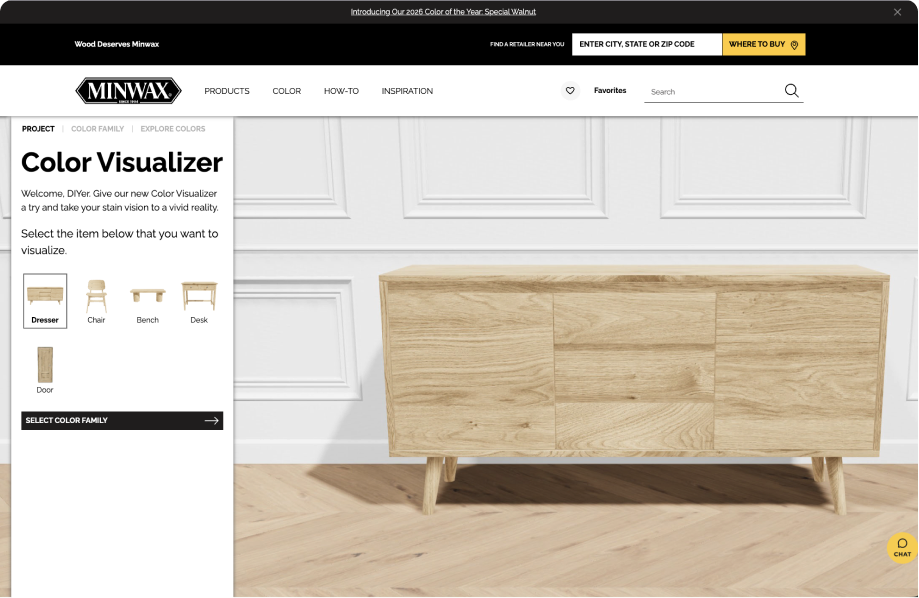
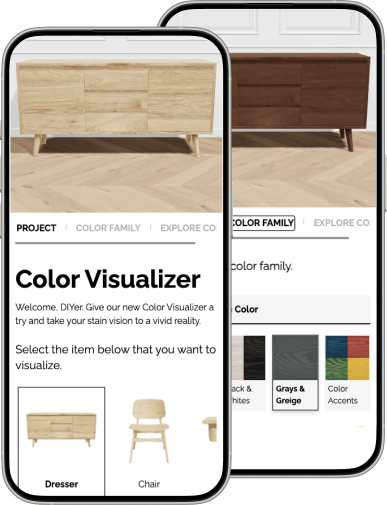
Start with your project. Tell the Minwax Color Visualizer what you’re working on, then browse the stains you love. Tap a color and watch it appear on 3D furniture you can scroll through and explore, updated instantly as you choose. Every swatch, every selection, and every click lives inside a thoughtful user path helping to find your perfect finish. This process makes the choice feel effortless.
RESULTSVoila. The visualizer provided an on-demand color experience right before their eyes. By bringing the stains to life on digital furniture, we created the perfect experience to help any DIYer confidently choose the stain that is exactly right for their specific job, that meets them in the right points of the digital experience.
"A highly personalized, on-demand color experience right before their eyes.""
Audrey Morrison